IPTV VOD Not Working but Live TV Works: Causes & Fixes in France 2026
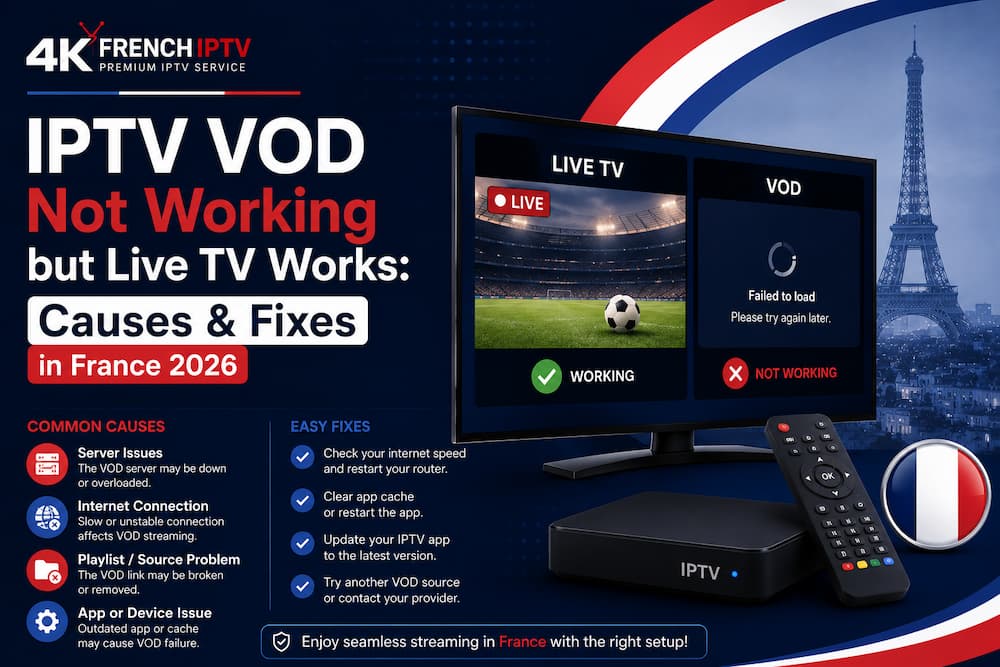
When IPTV VOD is not working but live TV still plays, your internet connection is not automatically the problem. Live channels and on-demand films can use different media paths and server resources. A working live channel only proves that one part of your setup can reach the service. Follow account → VOD catalogue → media…
When IPTV VOD is not working but live TV still plays, your internet connection is not automatically the problem. Live channels and on-demand films can use different media paths and server resources. A working live channel only proves that one part of your setup can reach the service. Follow account → VOD catalogue → media URL → player → decoder → screen before changing settings.
Apple’s HLS documentation supports both live and on-demand delivery over HTTP. A VOD title may depend on a fixed media playlist, file, or manifest that a live channel never uses. Separating both paths gives you a cleaner diagnosis.
IPTV VOD Problems at a Glance
Different symptoms point to different layers, so match the failure before reinstalling anything.
| Symptom | Likely Layer | First Check |
| VOD library is empty | Account/catalogue | Refresh account data |
| Titles will not start | Media URL/server | Test another title |
| One movie fails | Individual resource | Open another item |
| Picture turns black | Player/codec | Test another player |
| VOD buffers | Network/bitrate | Compare Wi-Fi and Ethernet |
| One device fails | Device/player | Compare app support |
Why Can Live TV Work While VOD Fails?
Live television and VOD may sit inside the same app, but they do not always request the same media resource. A live channel can keep playing while a film points to a separate file, catalogue entry, or server path. Your login may remain valid even when the VOD layer has a temporary problem.
If you already understand how M3U playlists organise media access, use the same layer-by-layer logic for VOD. You avoid breaking a live-TV setup that was already healthy.
Why Is the VOD Library Empty?
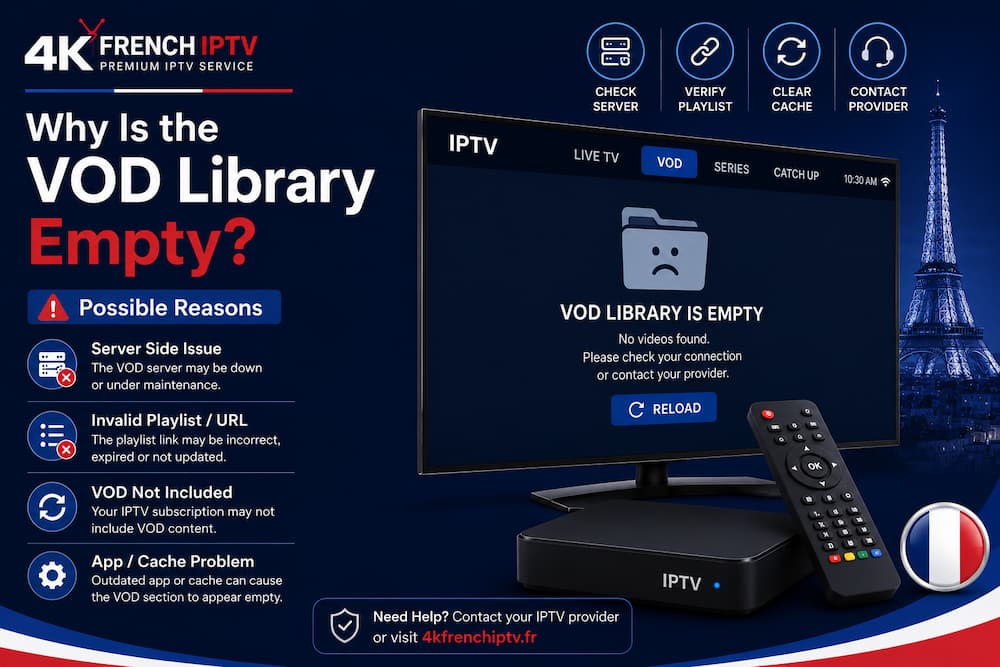
An empty VOD section can mean the player has stale catalogue data, the account does not expose that category, or the service did not return the expected library. Close and reopen the app, then confirm that your login still works. Reinstalling the player should come later.
If one device loads films and another does not, compare app versions and account configuration. A clean IPTV setup on your device helps you verify the player layer without changing the media source.
Why Do IPTV Movies Appear but Refuse to Play?
Seeing a poster and title proves that catalogue data loaded, not that the movie file can play. The selected VOD still needs a valid media location, a responsive server, and a compatible player. One failed title can therefore exist beside many working films.
Try several authorised titles from different categories. If only one fails, the resource is a stronger suspect than your router. If every movie fails while live channels stay stable, focus on the VOD endpoint, account permissions, or player.
Can a Codec Cause a VOD Black Screen?
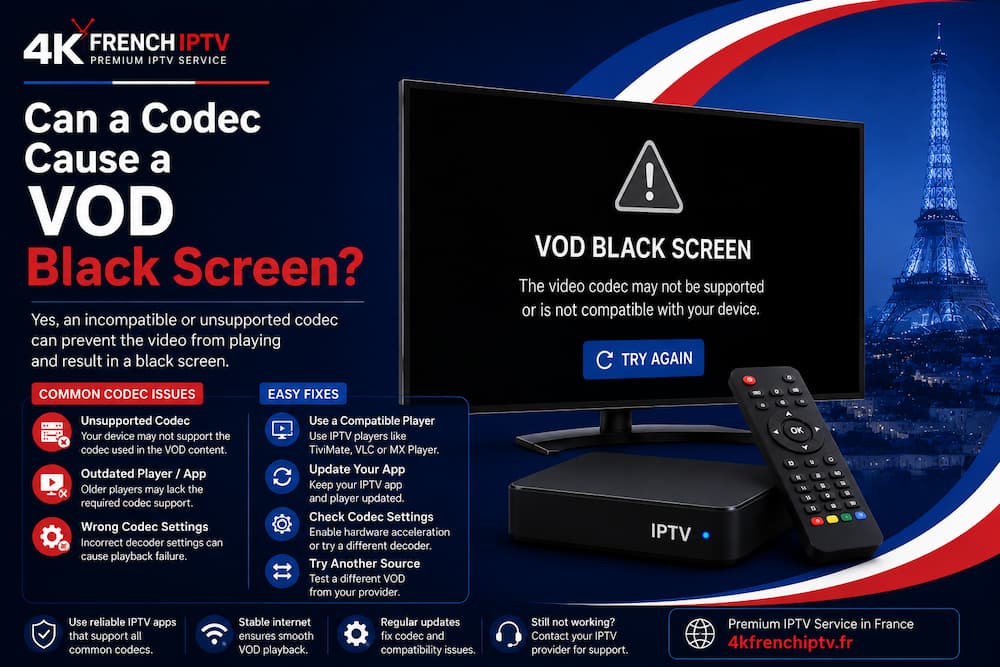
Yes. A player can handle one live format and struggle with a VOD file encoded differently. Android’s Media3 documentation says HLS playback still depends on supported audio and video sample formats.
Open the same authorised title on another compatible device or player. If it works there, the media source is reachable and the local playback layer deserves attention. Smarters users can compare settings with the Smarters Player Lite guide.
Does Clearing Cache Fix IPTV VOD?
Cache can matter when an app holds old catalogue data, sessions, or temporary media information. Clearing app cache may help when menus refuse to refresh, while clearing all app data can remove saved credentials. Keep valid login details before a full reset.
A dead VOD URL, unavailable server, or unsupported codec will not become healthy because local files were deleted. Use cache cleaning only when symptoms point towards the player.
Can Internet Speed Affect VOD but Not Live TV?
Yes, especially when a movie uses a higher bitrate or a different delivery path. Arcep reported 42.8 million premises passed for FttH by the end of March 2026, equal to 94.9% coverage, while fixed ultrafast services covered 96.4% of French households. Strong national coverage does not guarantee strong Wi-Fi beside your television.
If a 4K movie buffers while lower-quality live TV remains smooth, compare Ethernet with Wi-Fi and try a lower-resolution title. For repeated lag, the IPTV buffering guide matches the network problem more closely.
When Should You Contact Your IPTV Provider?
Contact support when the same VOD failure appears on several compatible devices while live channels continue to work. Share the title, device, player, approximate time, and any error message. Those details help separate a catalogue problem from an account or server fault.
Ask whether VOD access is active on your plan before rebuilding the app. A clear IPTV subscription setup should connect account access, compatible devices, and support in a way you can verify.
Final Verdict
When IPTV VOD is not working but live TV works, do not treat the service as one single stream. Follow the VOD path from account and catalogue to media source, player, decoder, and device. A missing library needs a different diagnosis from a film that loads and then shows a black screen.
Test another title, another device, and another compatible player before resetting everything. You will usually reach the cause faster while keeping the working live-TV path intact.
Frequently Asked Questions
Why is my IPTV VOD not loading while live TV works?
Live TV and VOD can rely on different media resources. Your account may reach live channels while the VOD catalogue or server path has a separate problem.
Why do IPTV movies show a black screen?
A black screen can come from a failed media resource or a player and codec compatibility problem. If the same movie works on another device, compare the player layer first.
Can clearing cache restore IPTV VOD?
Cache cleaning can help when stale catalogue or session data is stored locally. It will not repair a missing server resource or unsupported media format.
Why is only one IPTV movie not working?
One title can have a broken or unavailable media resource while the rest of the library remains healthy. Test nearby titles before reinstalling the player.